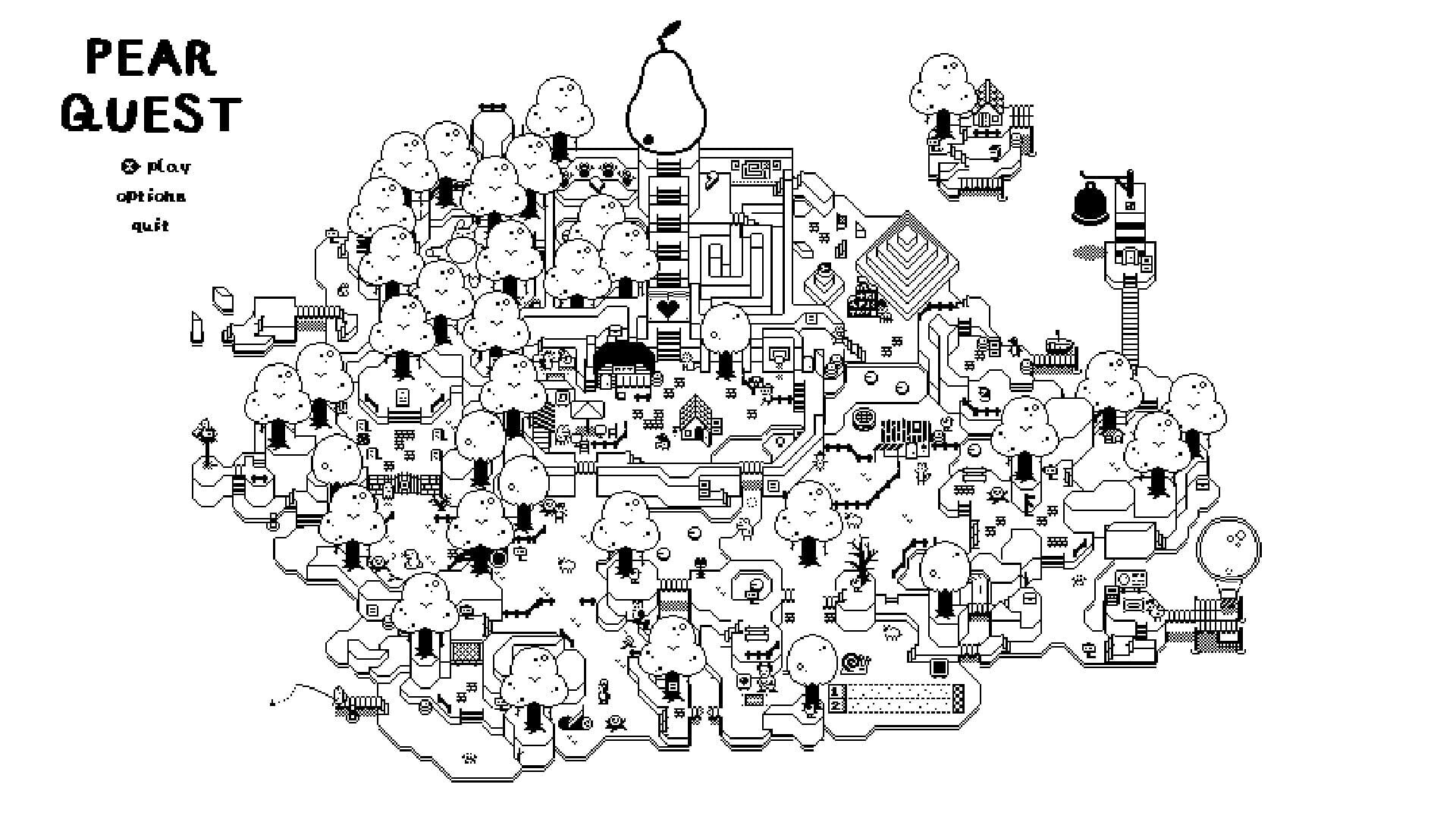
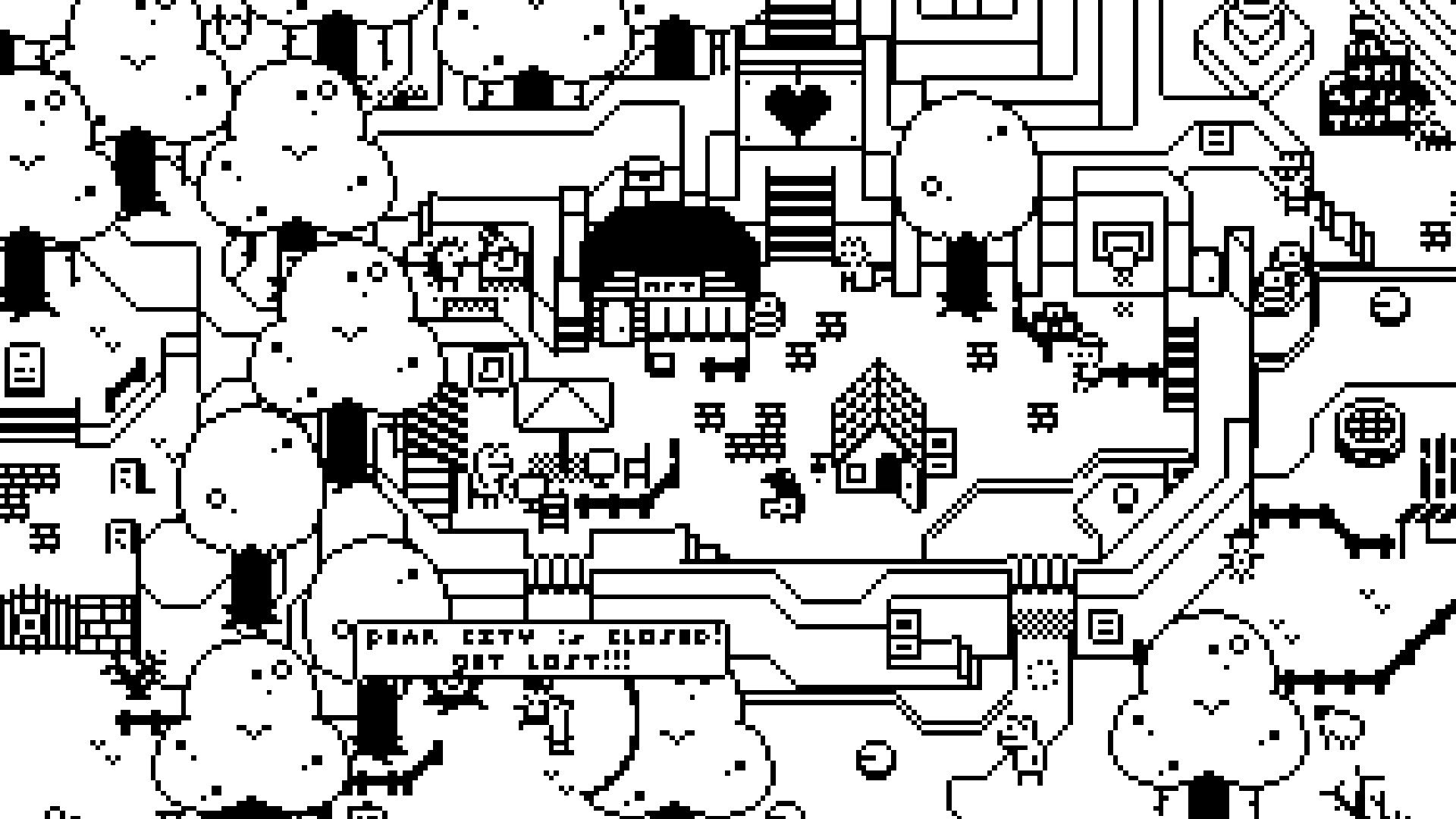
To use Windows 10 Magnifier, hold down the Windows Key and press +. You can zoom in an out by holding WIN and pressing + and - or by holding CTRL+ALT and using your scroll wheel.
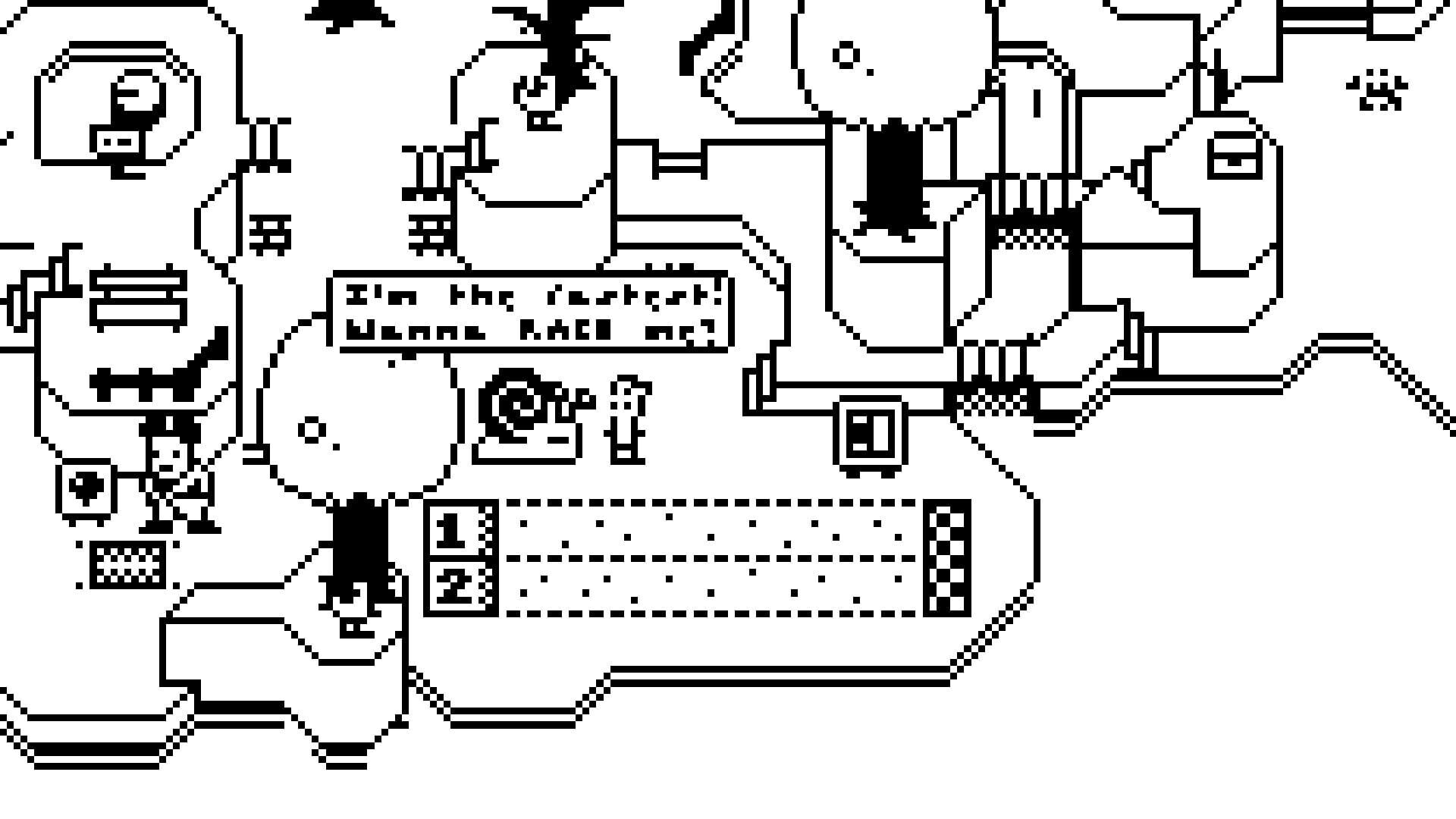
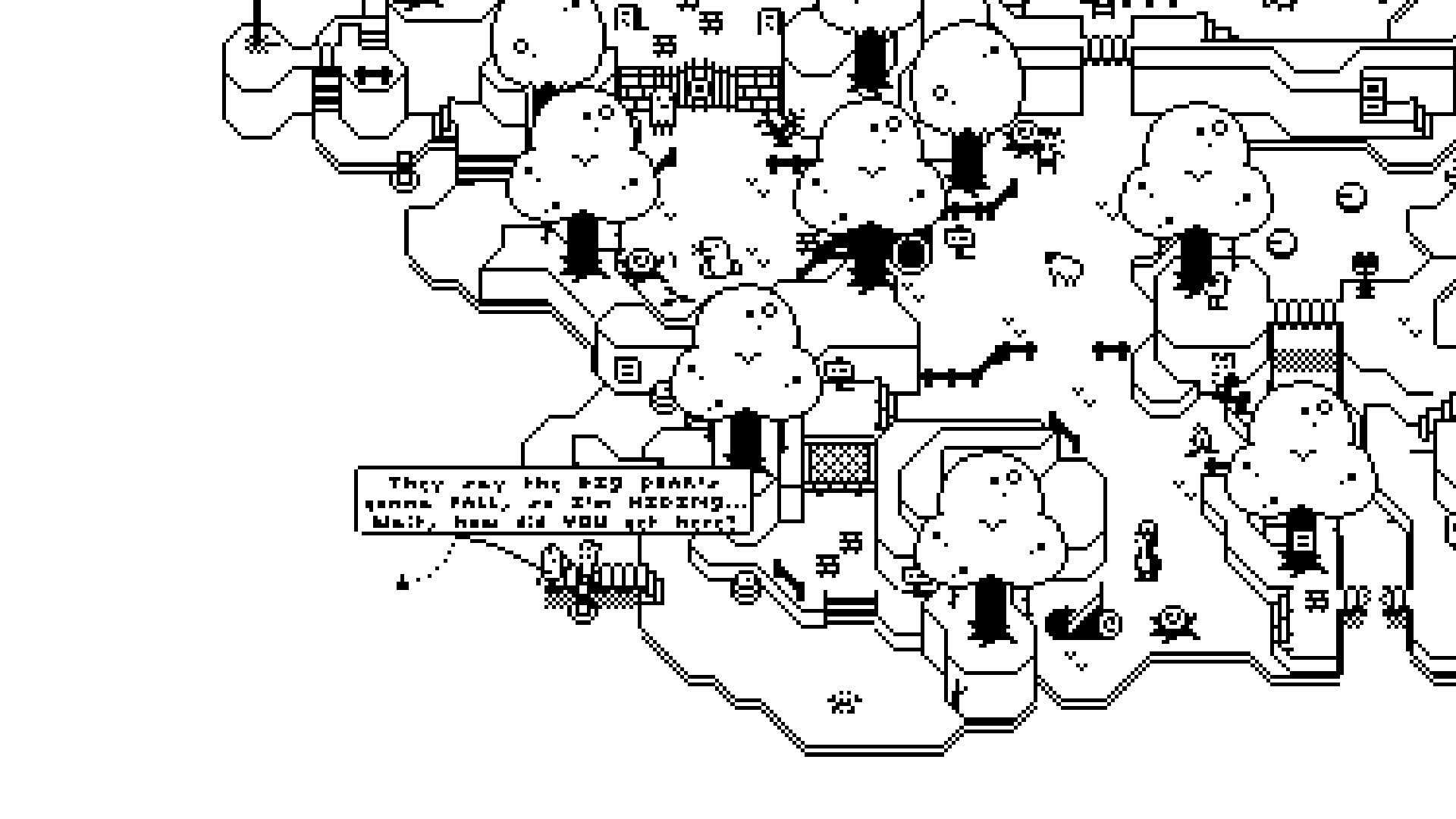
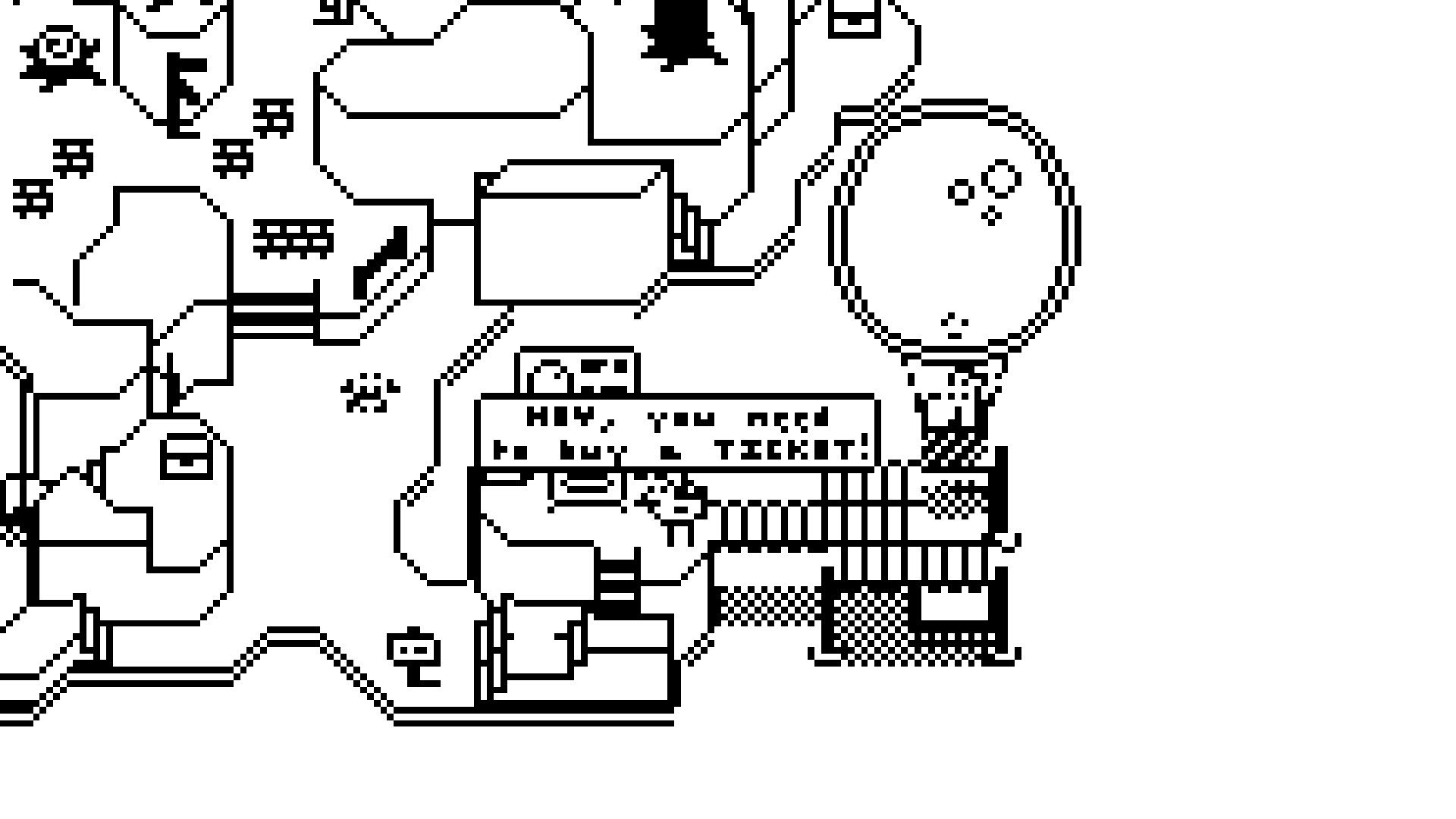
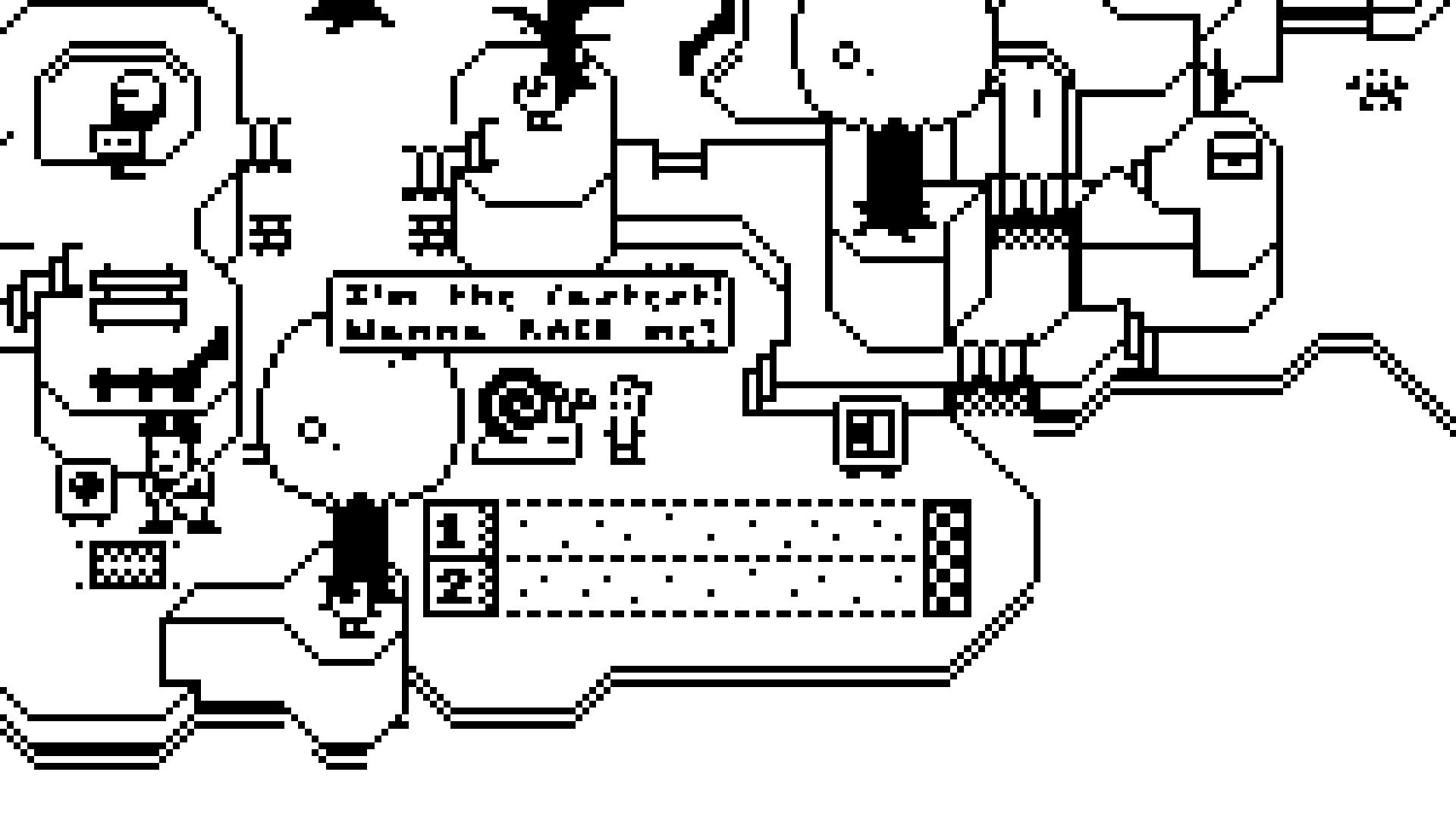
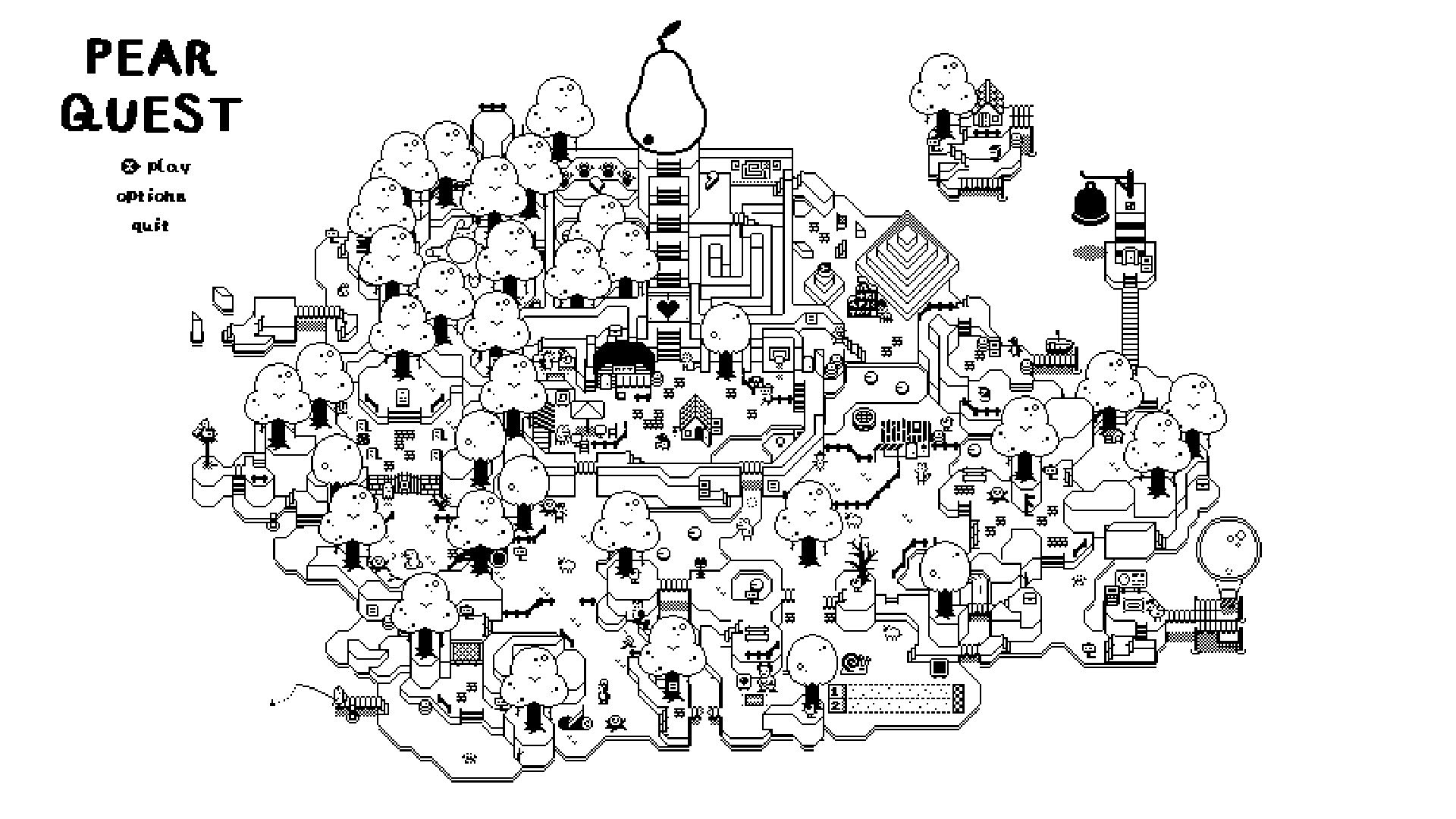
Have you ever wanted to familiarize yourself with Windows 10's Accessibility features? Here's your chance! Pear Quest renders the entire game map at approximately one-eighth...
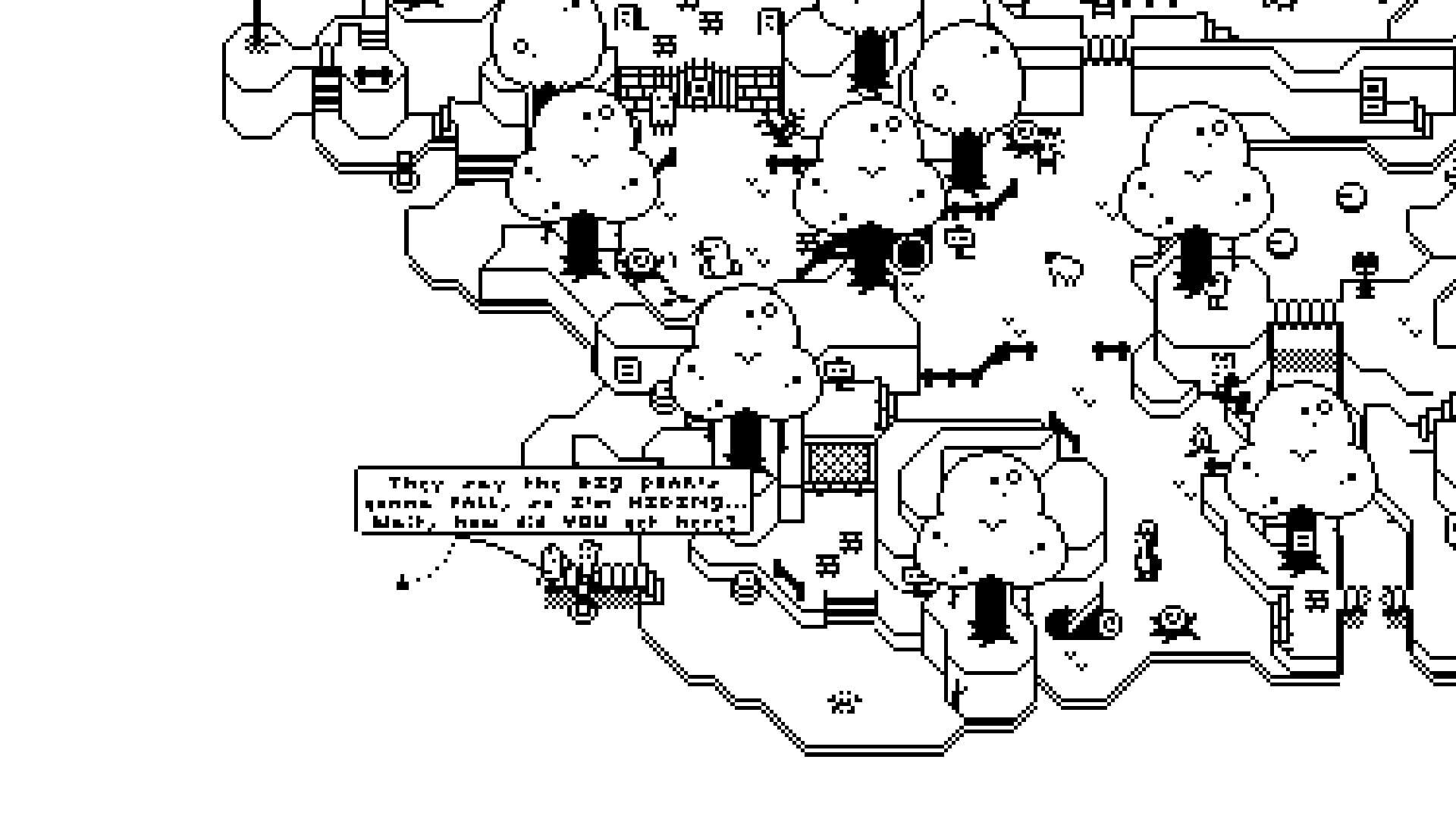
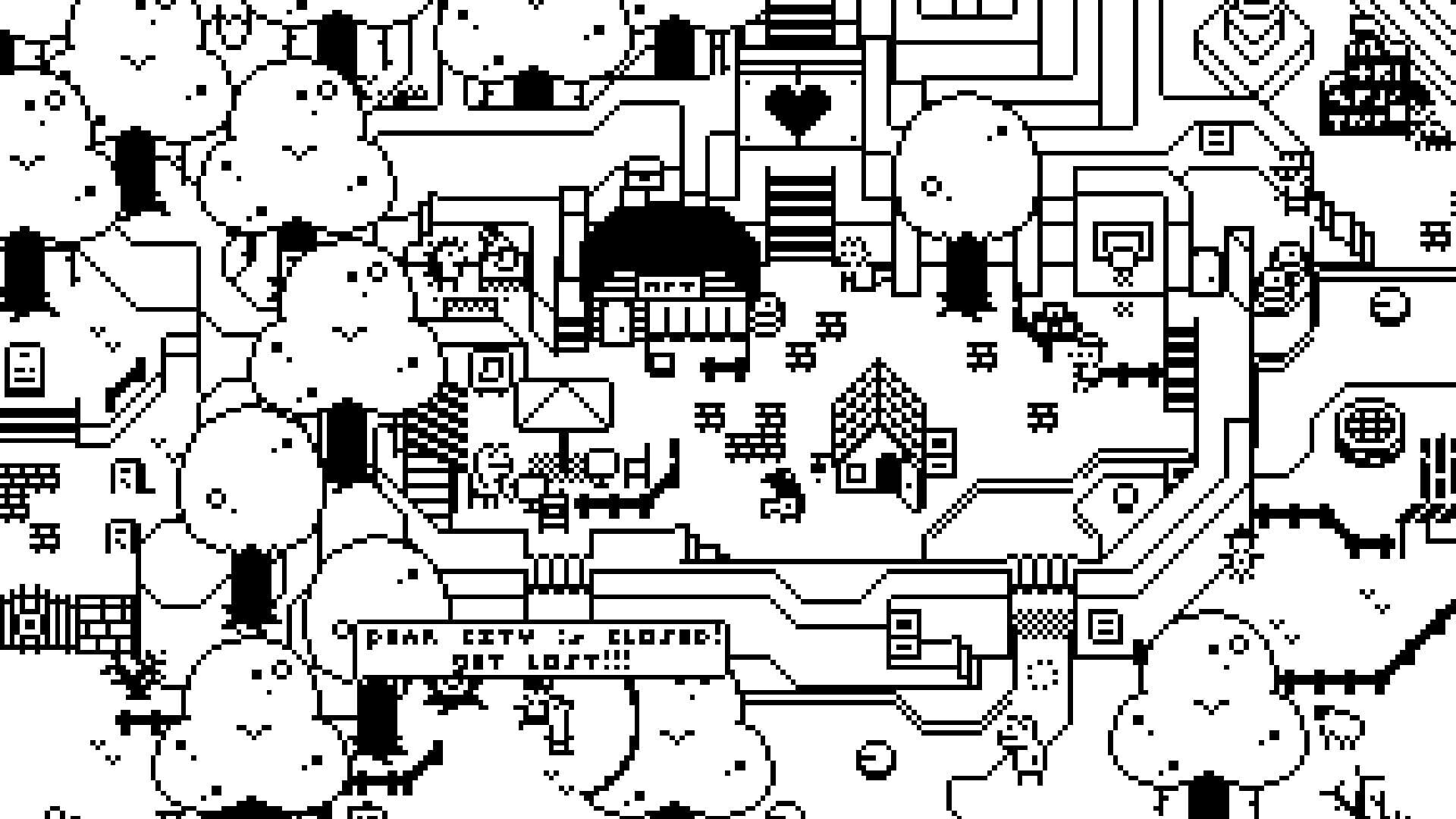
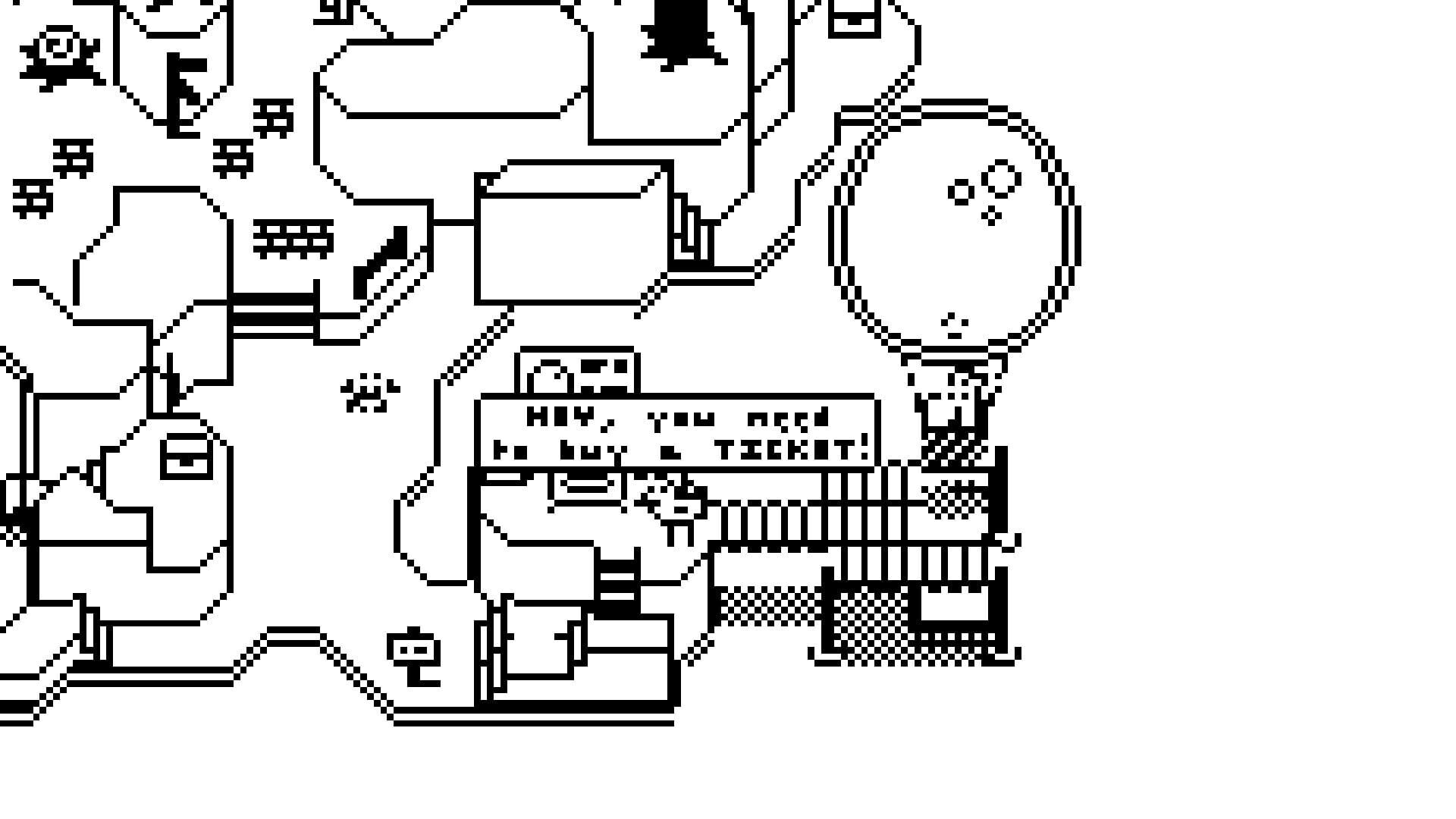
I really love the idea of this game, but the text is just so small. I had to look at a text box about 4 or 5 times before I realized what it said. If the text was made bigger and the game was given a zoom option, it would be fantastic.
Cute idea poorly executed. Shouldn't need to run Windows Magnifier... I'd be fine if the game had in-game magnification, in fact that's all it's really missing.
I cannot see or read a darn thing. I'm zoomed all the way in and I cannot see or read a darn thing. I simply cannot see where I am going at all.
I got the SokPop subscription to get some games for my Steam Deck, but this game has an actual 4 pixel font that is impossible to read so that definitely didn't happen. Even on PC with zoom 2x and fullscreen this is still more of an eye strain than playing VR. Also the mouse disappears when over the game so I have trouble even using the windows magnifier...